SecuX Forte USB 64 GB: hardware-encrypted storage for sensitive files
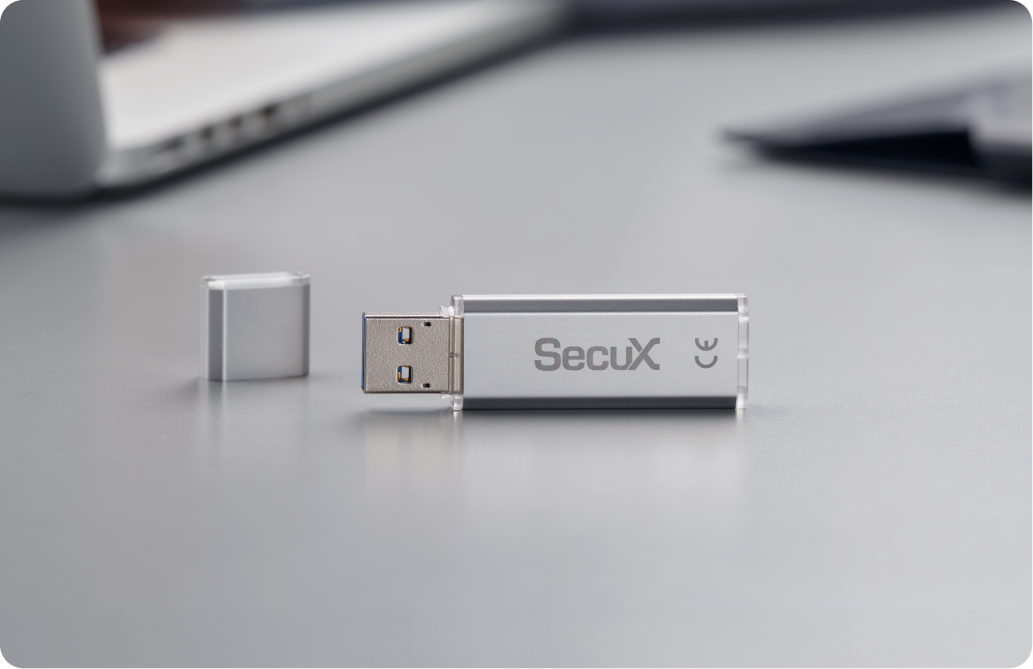
The SecuX Forte USB 64 GB is a portable USB flash drive with built-in hardware AES 256 encryption, made for people who carry private or confidential files between computers. SecuX states that this technology keeps private or confidential data safe even if the drive is lost or stolen, and that only your password unlocks the drive. Files saved to its Secure Folder are encrypted automatically, and the drive is logged out and locked automatically when it is removed from the USB port.
What the SecuX Forte USB 64 GB does
-
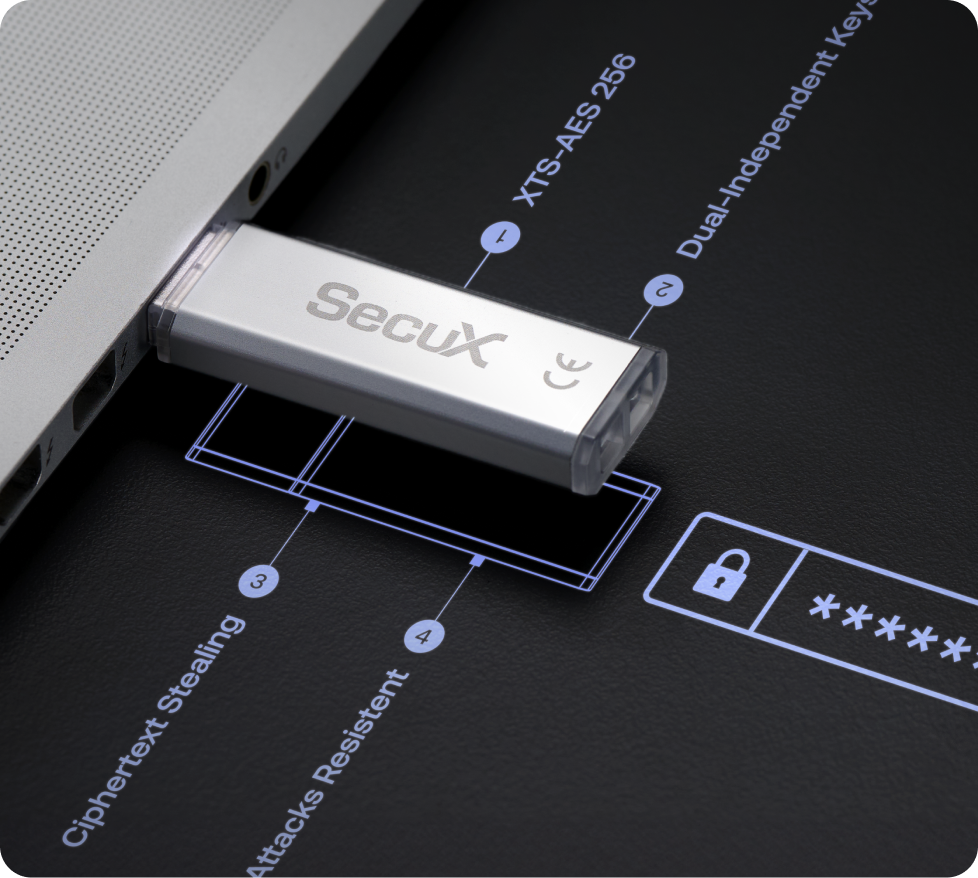
Hardware-based encryption engine: a 256-bit AES-XTS hardware module encrypts your data.
-
Password authentication: you set a password of 8 to 16 characters with at least one uppercase letter, one lowercase letter, one special character and one digit.
-
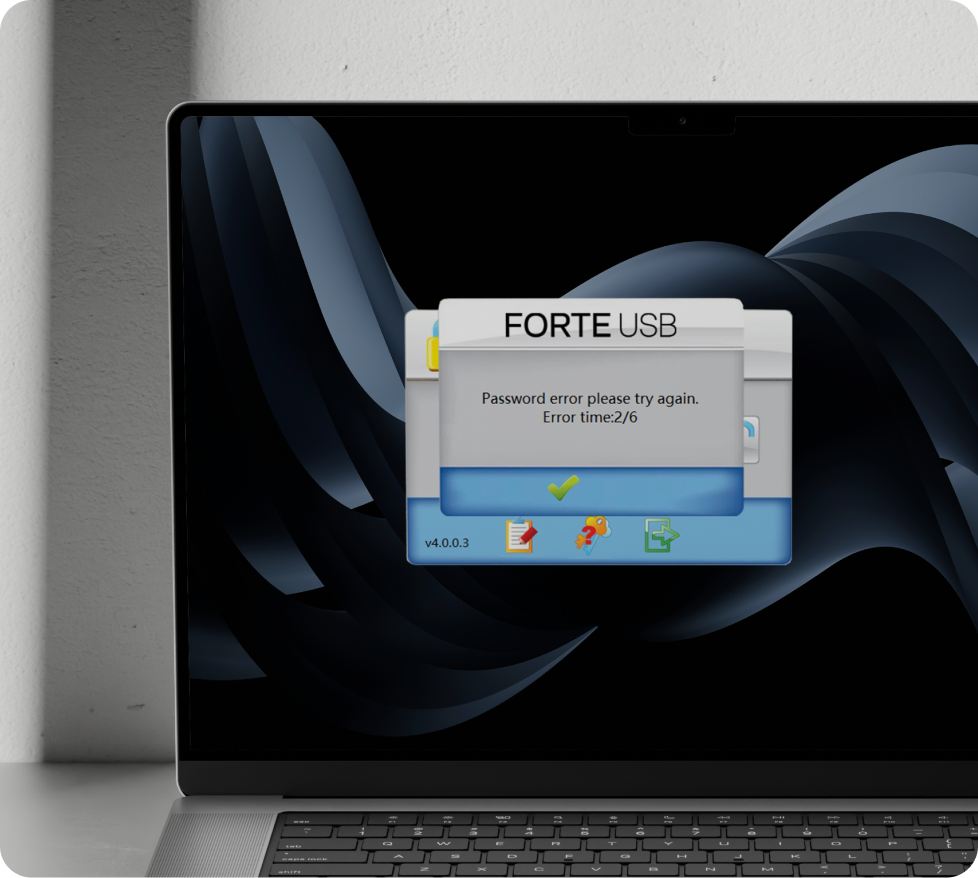
Anti-brute-force protection: if an incorrect password is entered 6 times, the Secure Folder is automatically formatted. You are warned on the 5th attempt.
-
Automatic locking: removing the drive from the USB port logs it out and locks it.
-
Hidden password: password input is obscured, which SecuX says protects against direct observation and software-based keystroke recording tools.
-
Portable application: a non-installable drive manager, which SecuX says avoids leaving traces on host systems.
-
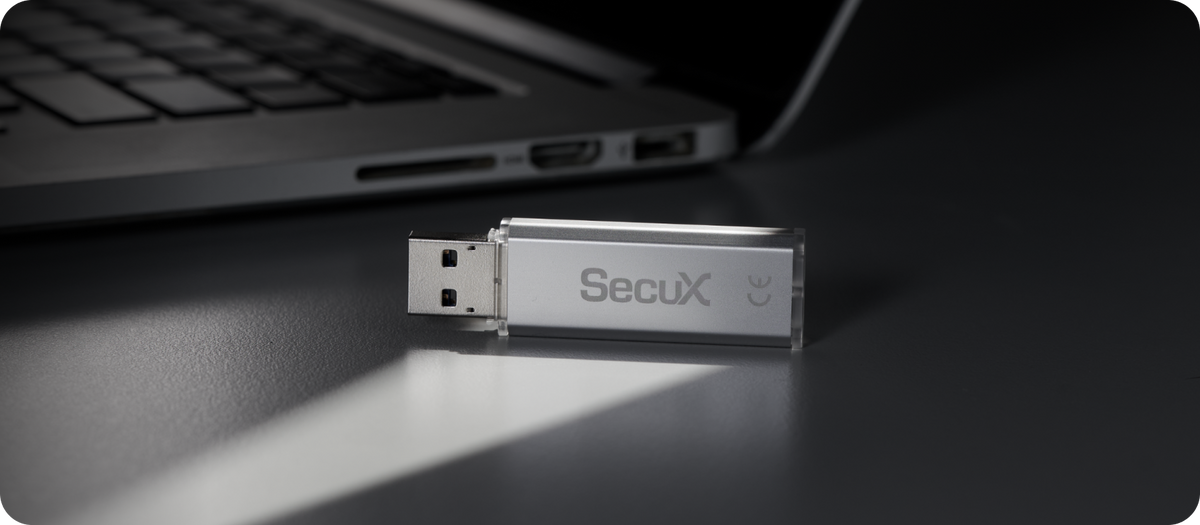
USB 3.2 Gen 1: a USB-A connector that is also USB 2.0 compatible.
Specifications
| Product |
SecuX Forte USB 64 GB hardware-encrypted USB flash drive |
| Capacity |
64 GB. Usable storage is less than advertised due to formatting and system files. |
| Encryption |
AES-XTS 256, hardware-based encryption engine |
| Interface |
USB 3.2 Gen 1, USB 2.0 compatible |
| Connector |
USB-A (SecuX lists it as Type-A) |
| OS compatibility |
Windows 10 or later, macOS 12 or later |
| Password |
8 to 16 characters, with a password hint of up to 32 characters |
| Wrong-password limit |
6 attempts, then the Secure Folder is formatted |
| Dimensions |
14 × 48.15 × 4.5 mm (W × D × H) |
| Operating temperature |
0 °C to 70 °C |
Figures are SecuX’s published specifications, checked on 10 October 2026. E&OE.
Who the SecuX Forte USB 64 GB suits
SecuX names four groups for this drive: financial services staff who transport sensitive corporate data such as financial records and client information, medical personnel who look after patient records, people in education who work with confidential or proprietary research data, and technology teams that handle confidential information.
The SecuX Forte USB 64 GB works with Windows 10 or later and macOS 12 or later. You insert the drive, open the SecuX Forte USB application from the folder that pops up, and log in with your password. The Forte USB comes in two capacities: this is the 64 GB model, and SecuX publishes the same interface, connector, dimensions and security features for the 128 GB model. See the rest of the range in Security Drives, or contact us with a question.
What happens if the wrong password is entered on the SecuX Forte USB 64 GB?
SecuX’s support guide states that if an incorrect password is entered 6 times, the Secure Folder is automatically formatted. On the 5th attempt you are warned that one more wrong password will erase all data permanently, including the password itself. You then set up a new password for the Secure Folder.
Can a forgotten password be recovered?
SecuX describes a password hint of up to 32 characters that you can view on the main screen, and notes that the hint is for you and is not a password recovery tool. SecuX advises remembering the password and using the hint well, to prevent accidental deletion of stored data.
How much of the SecuX Forte USB 64 GB can be used?
SecuX notes that usable storage is less than advertised, because a portion of the total capacity is used for formatting and system files.
Which computers does the SecuX Forte USB 64 GB work with?
SecuX lists Windows 10 or later and macOS 12 or later. The drive has a Type-A (USB-A) connector and a USB 3.2 interface that is USB 2.0 compatible.
Does the drive need software installed on the computer?
SecuX describes the drive manager as non-installable. Its support guide shows the SecuX Forte USB application being opened from the folder that pops up when the drive is inserted, on both Windows and Mac.
Key features
- 64 GB capacity with a hardware-based AES-XTS 256 encryption engine
- Password authentication with hidden password input
- Anti-brute-force protection: the Secure Folder is formatted after 6 incorrect passwords
- Automatic locking when the drive is removed from the USB port
- USB 3.2 Gen 1 with a USB-A connector, for Windows 10 or later and macOS 12 or later
Specifications
| Storage |
64 GB (usable storage is less than the advertised capacity, due to formatting and system files) |
| Security chip |
Hardware-based AES-XTS 256 encryption engine |
| Connectivity |
USB 3.2 Gen 1, USB 2.0 compatible; USB-A (Type-A) connector |
| Access control |
Password authentication, 8 to 16 characters |
| Wrong-password limit |
6 attempts, then the Secure Folder is formatted |
| Automatic locking |
Logs out and locks when removed from the USB port |
| Password entry |
Hidden password input |
| Drive manager |
Non-installable portable application |
| Dimensions |
14 × 48.15 × 4.5 mm (W × D × H) |
| Compatible with |
Windows 10 or later, macOS 12 or later |
| Operating temperature |
0 °C to 70 °C |
Product sheet & downloads